The Project by n. LITE Revit Template is designed for architects, students, and freelancers working on small-scale projects who want a clean, professional Revit setup without unnecessary complexity.
Units: Metric + Imperial
Revit Version: 2018 – latest
€99.00
The LITE Revit Template provides a streamlined, well-organised Revit system focused on speed, clarity, and good practice. It is ideal for small residential, interior, and planning-stage projects where efficiency and simplicity are key.
Built using the same core principles as the PRO Template, LITE supports consistent drawings and models while keeping setup and customisation to a minimum. It follows recognised industry conventions and introduces structured workflows without the overhead of a fully ISO-managed system. The template is intentionally lightweight and easy to adapt, making it well suited to sole practitioners, freelancers, and those developing their Revit skills, while still providing a solid foundation for professional project delivery.
Download Files:
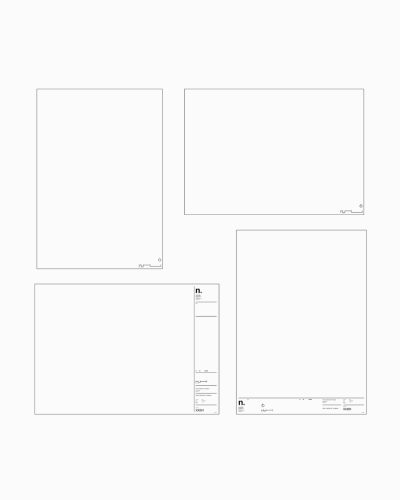
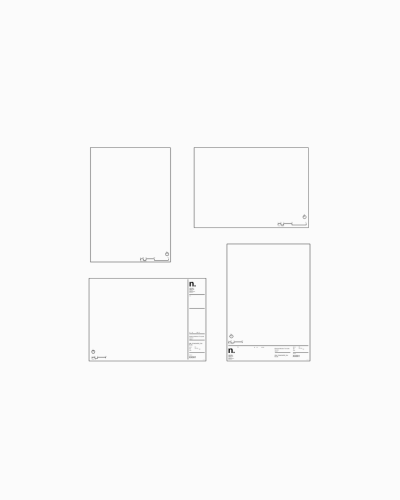
Title blocks:
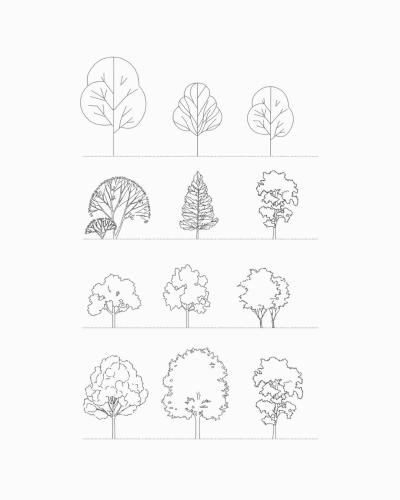
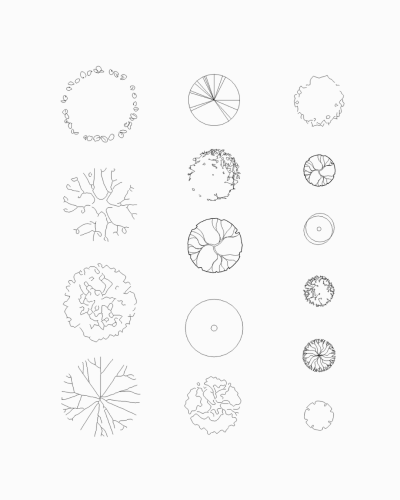
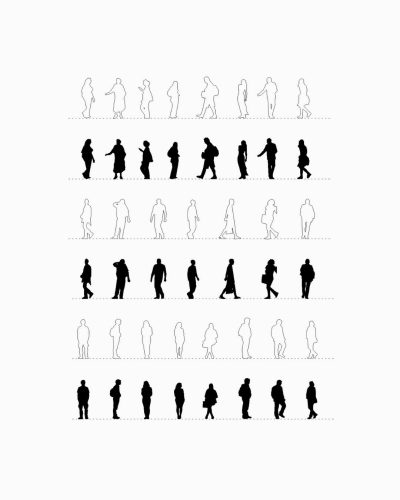
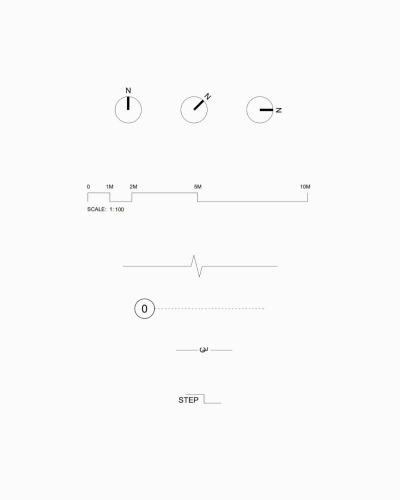
Graphic Features:
3D Families:
Efficiency Tools:
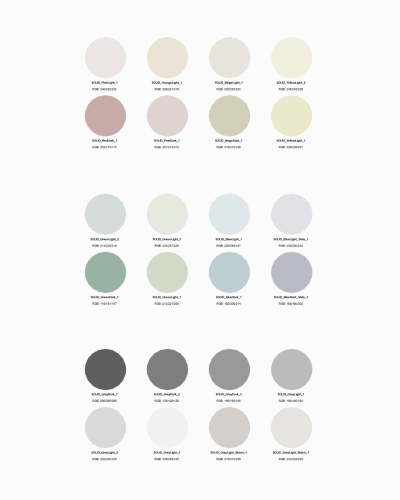
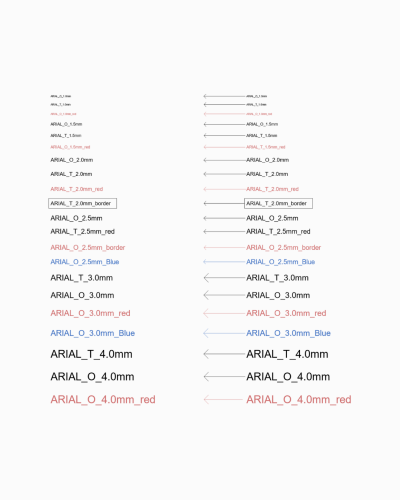
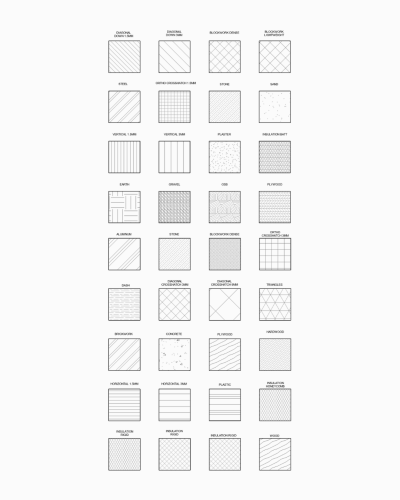
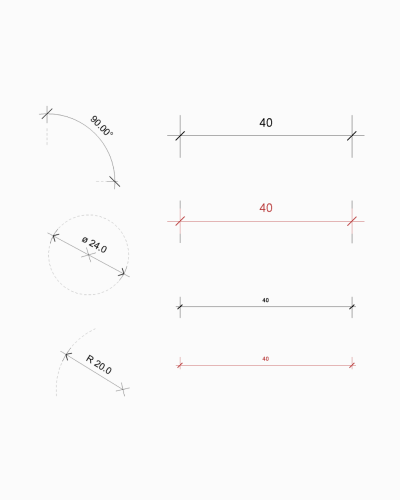
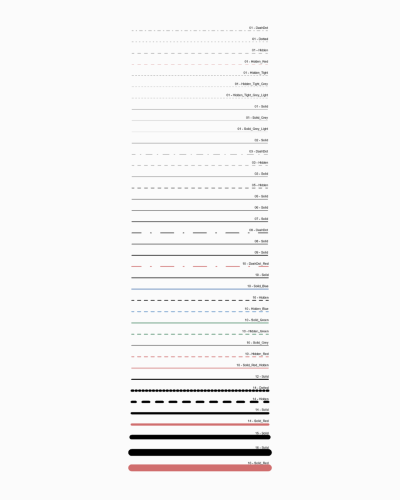
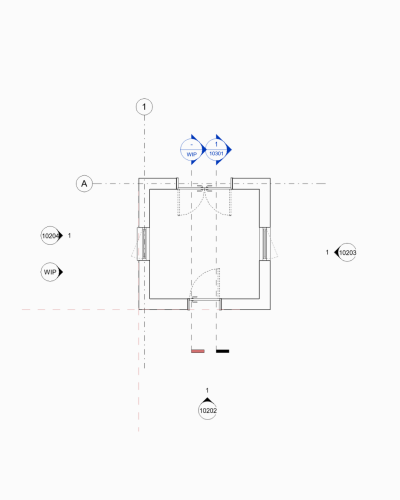
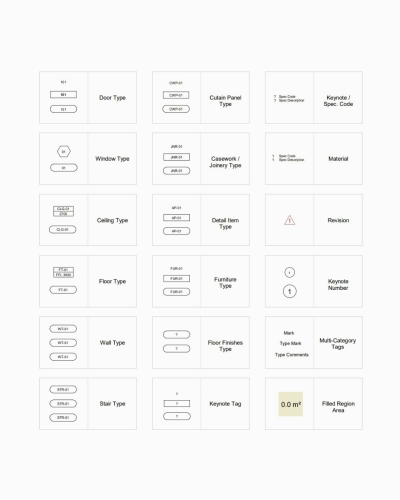
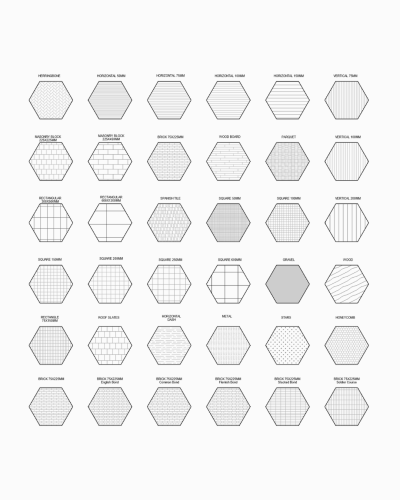
The LITE Template is a streamlined version designed for smaller projects, freelancers, sole practitioners, and students. It includes basic features like custom styles, naming conventions, basic view templates, and annotation library.
The PRO Template is built for larger architecture practices and complex projects. It includes advanced tools, a more expansive annotation library, deeper project browser organization, a full suite of annotations and 2D detail items, a separate shared parameters file, plus it ISO 19650 alignment.
Both are based on the same foundations, but PRO offers more comprehensive features for managing complex architectural projects.
Need help chosing the right template for your needs? Try our Template Finder.
Both Metric and Imperial versions of the template are included with your purchase.
Each unit system is provided as a separate Revit Template (.RTE) file, pre-configured with the appropriate project units, annotation scales, dimension styles, and standard settings. This allows you to start projects immediately in the correct unit system without the need for manual conversion or adjustments.
To keep the template fast, lightweight, and adaptable, a full library of 3D families is not included. Door, window, and component families are highly project- and region-specific, and generic libraries often add unnecessary clutter.
Two example door and window families are included for immediate use, with a wider, well-structured family set available in our Sample Revit Project, showing how to build and expand your own library within the Project by n. system.
While the LITE Template is not intended as a fully ISO 19650–managed system, it provides a solid foundation for good BIM habits and professional workflows. This makes it well suited to small projects, planning-stage work, and users who want clarity and consistency without the complexity of a fully ISO-aligned delivery framework.
For projects requiring formal ISO 19650 compliance, structured information management, or project-specific BIM Execution Plans, the PRO Template is recommended.
Yes, our templates are fully customisable. Each template is easy to modify, update, and adapt to your studio’s unique graphic elements and standards. You can quickly customise the template to add your logo and branding, or make more extensive modifications if preferred.
We recommend saving a copy of the original template before making any changes. You can also import your own title blocks or modify the provided ones to match your branding.
The Revit templates are compatible with Revit versions 2018 and upwards, including both full Revit and Revit LT versions.
The templates files are available in Revit 2018, which means they can be used in all subsequent Revit versions. Revit will automatically and quickly upgrade the template to the version you’re using.
The Sample Revit Project is a separate product from our LITE and PRO templates. While the templates are designed as starting points for new projects, the Sample Project is a complete Revit model of a three-bedroom house that’s ready to download.
It’s ideal to use alongside our PRO and LITE templates to enhance your Revit drawings. The Sample Project showcases what’s achievable with our templates and includes:
• 40+ 3D families (furniture, casework, lighting)
• 70+ 2D families (detail items, annotations, tags)
• View templates and custom title blocks
• Sample detail drawings and presentation drawings
• Custom window and door schedules
The Sample Project demonstrates a fully complete project using template features and provides real examples you can adapt for your own work. Explore the Sample Project >
After your purchase is complete, you’ll receive instant access to download your Revit tools.
Here’s what happens:
• A downloads window appears with all your purchase download links
• You can download products directly from the order confirmation page
• You’ll receive an email with order confirmation, invoice, and download links
• Sometimes emails may land in your junk or promotions folder
Download Limits:
• Downloads are limited to 10 times
• Links expire 1 year after purchase
If you don’t receive the confirmation email, check your junk folder first. Contact us at hello@projectbyn.com if you need the email resent or have download issues.
The Project by n. Revit Template is provided as a professional starting point for your own architectural and BIM workflows.
Your purchase includes a non-exclusive, non-transferable licence to use the template for your own internal business projects, including commercial work. The template remains the intellectual property of Project by n. Redistribution, resale, sharing, or reuse of the template (or its components) outside your own practice is not permitted. The template is not a substitute for professional judgement. Users must review, validate, and ensure all outputs comply with relevant regulations, codes, and project requirements. The template is supplied “as is”, without warranty or guarantee, and Project by n. accepts no liability for its use or adaptation. You are free to customise, adapt, and build upon the template to suit your project requirements and office standards. Responsibility for any modifications remains with the user.
By using the template, you agree to these terms. If you have specific licensing questions, please get in touch before purchase at hello@projectbyn.com.
LITE customers can upgrade to the PRO Template at any time only pay the difference between the two templates. To upgrade to the PRO Template following your purchase of the LITE Template, please get in touch with use at hello@projectbyn.com.
To learn more about our template and its contents, download our free guide below or from our home page.

Need help choosing the right Revit Template for you or your team?
Answer a few quick questions and get a tailored template recommendation that suits your skill level, project type and Revit needs.